Anyone with young children knows they love to get up early! I personally prefer sleeping in, which led me to build a system for my son (who was five at the time) so he could pull up approved content to occupy himself in the mornings.
Our TV remote was a bit too advanced for him to navigate, and since we no longer use DVDs, he needed a way to bypass the complicated menus. I decided to build an automated system that would handle the “heavy lifting” of turning on the tech and jumping straight to his favorite shows.
The Foundation: Home Assistant & ESPHome Reader
I already use Home Assistant to automate our lights and doors, so it was the natural choice for the brain of this project. My setup already included a Logitech Harmony Hub connected to Google TV for controlling the power and volume of our theater system.
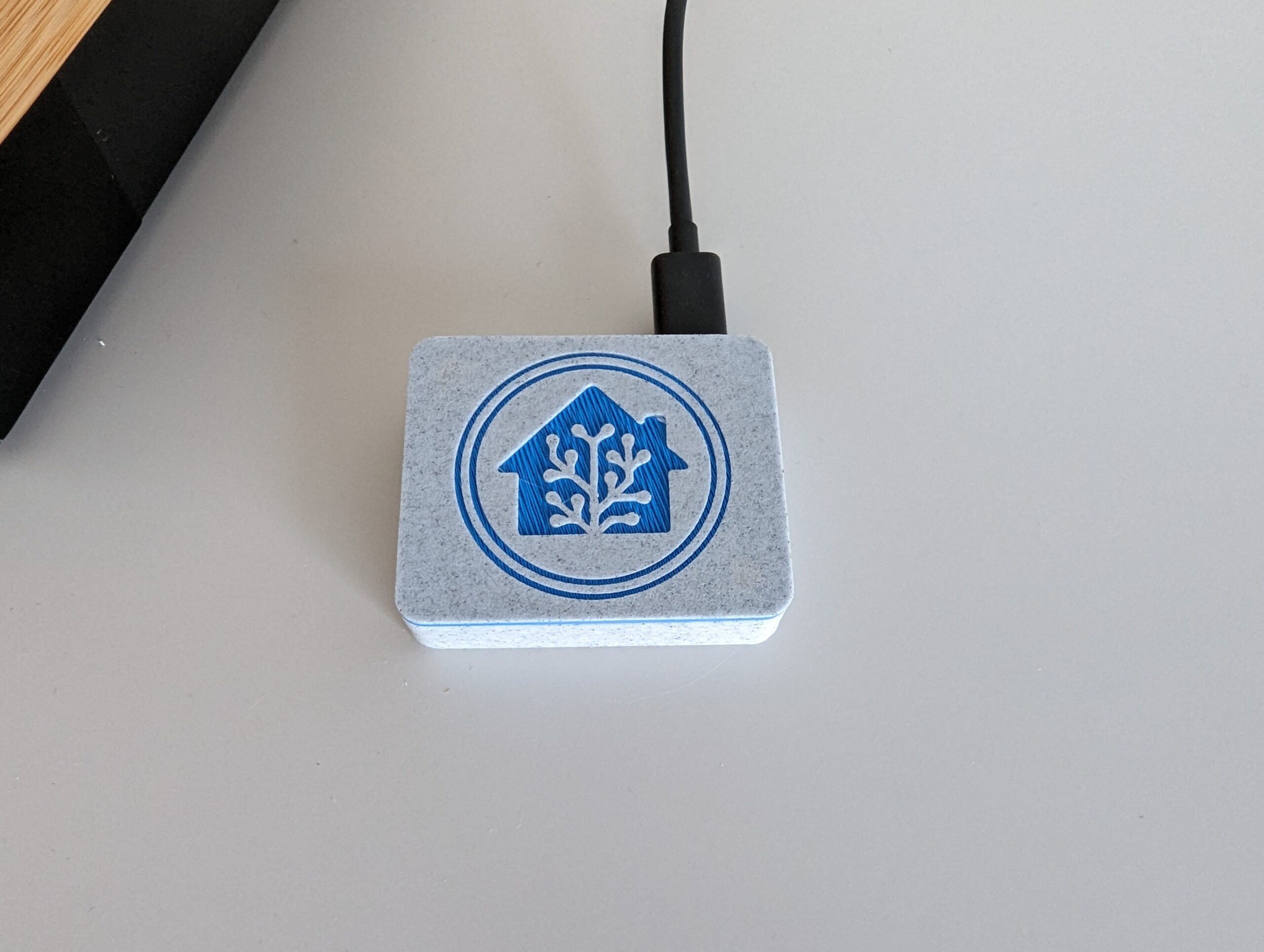
The missing piece was a kid-friendly interface. In 2020, Home Assistant introduced a Tag integration that was perfect for this. I found a wireless, USB-powered tag reader using an ESPHome board. While you can certainly build your own, I purchased a pre-built version that came in a clean, 3D-printed case. Once I powered it up and added it to my Wi-Fi, it showed up instantly in Home Assistant.
How NFC Works
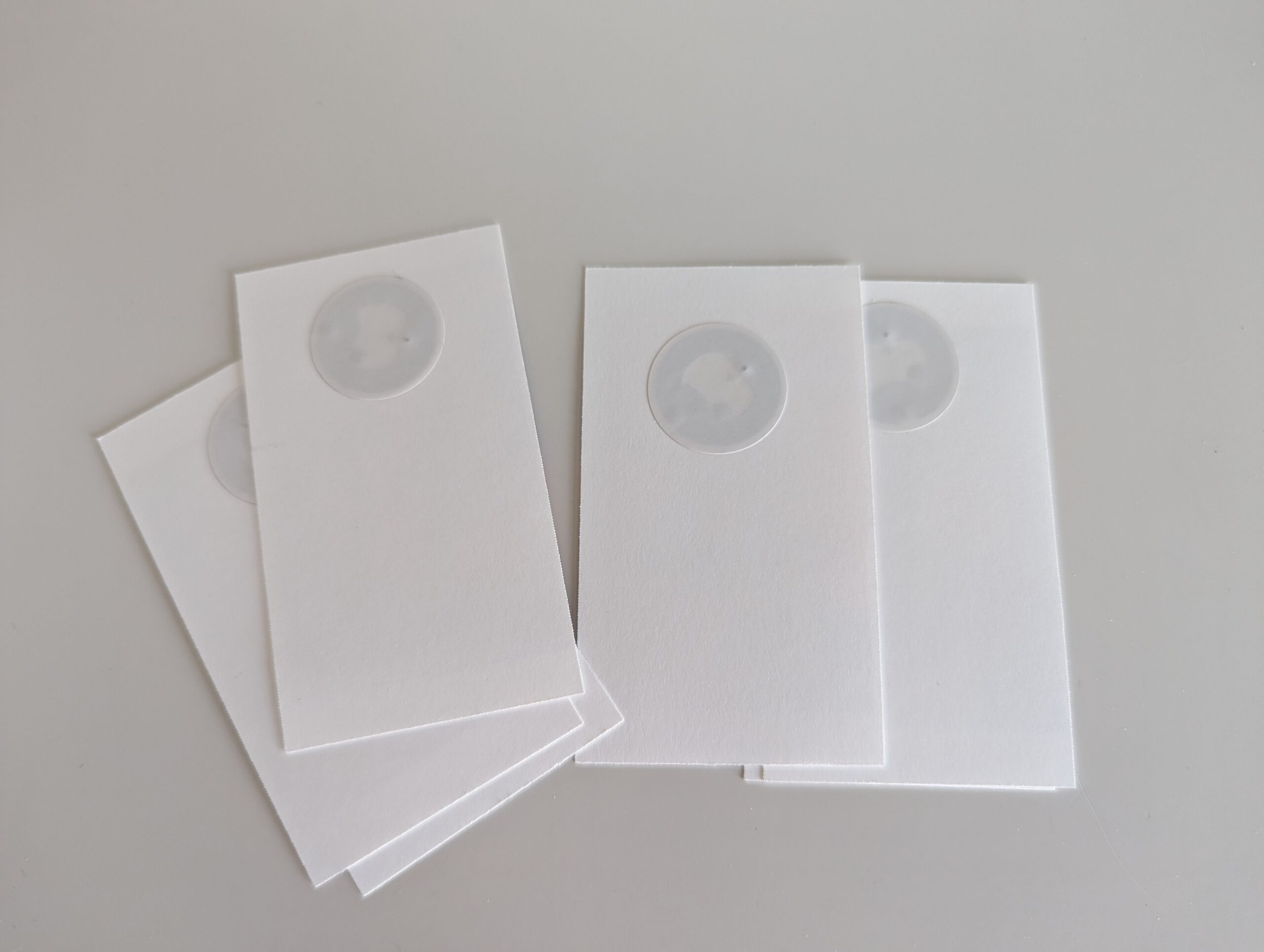
Once configured, the reader picks up any NFC (Near-Field Communication) tag tapped against it. An NFC chip is a tiny, secure integrated circuit that enables short-range wireless data transfer. When a tag comes into contact with the reader, its unique ID is sent to Home Assistant, allowing me to trigger specific automations. I bought a pack of small NFC stickers so I could create a physical “launch card” for every show and movie.
Integrating the Media
To make this work, Home Assistant needs access to the media library. Years ago, I connected my Plex Media Server to Home Assistant using the official integration. Since most of our kids’ shows are stored there (ripped from our old DVD collection), the integration allows me to bridge the gap between the NFC scan and the Harmony Hub.
The automation logic looks like this:
- When: Scanning “Big Hero 6”
- Then do: Turn on TV (Harmony Hub)
- Delay for 10 seconds (to fully power up TV and soundbar)
- Perform action: Media player: Play media “Big Hero 6” on entity: Living Room TV
The Final Result
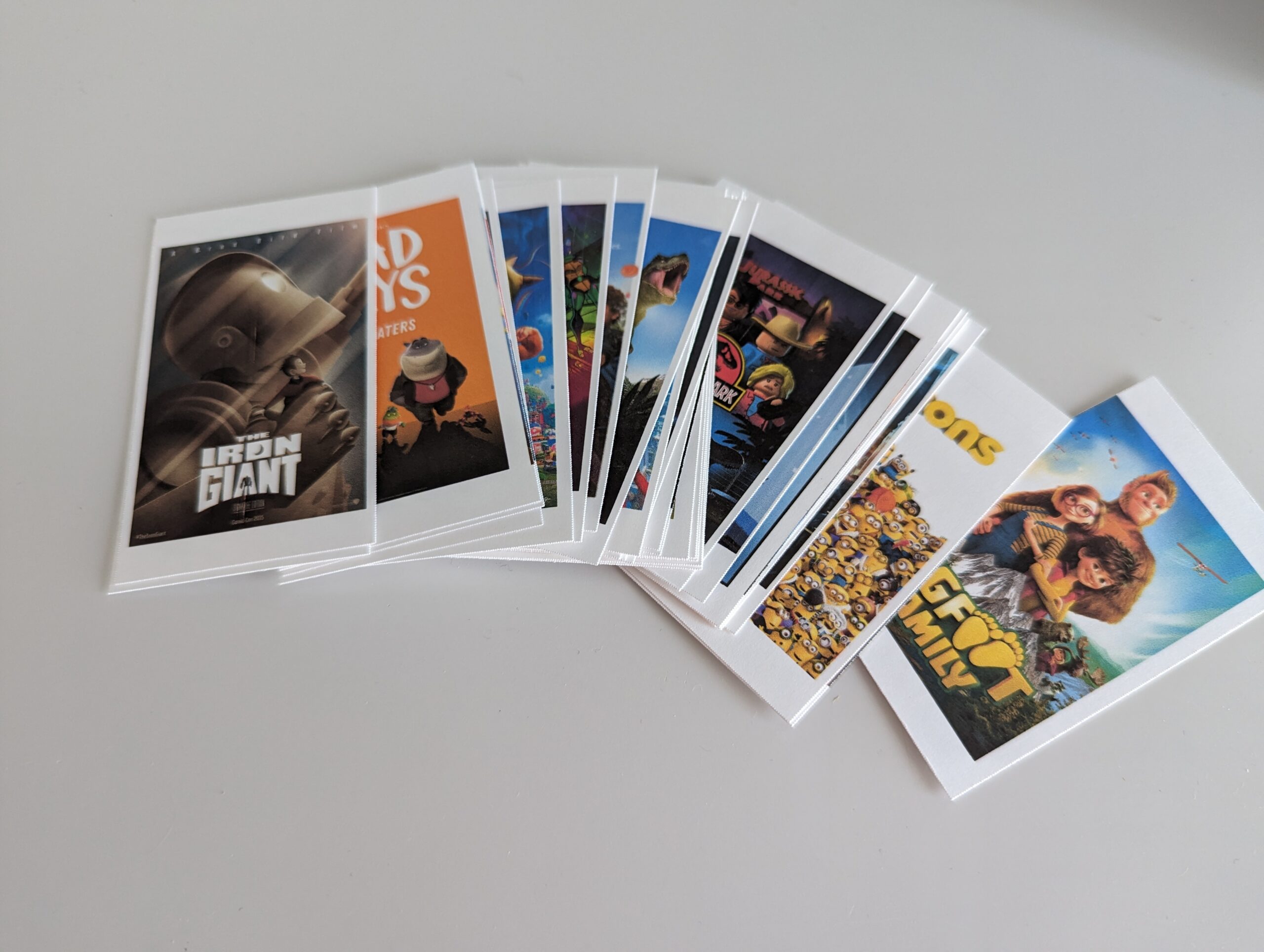
I created a unique automation for each movie or show Owen wants to watch. I periodically update the library as he discovers new favorites or loses interest in old ones. To make the physical cards, I used a simple business card template with the movie poster printed on the front and an NFC sticker hidden on the back.
Now, on weekend mornings, I get a bit more sleep. My son can head to the living room, grab the card for the movie he wants, and simply tap it to the reader to start his morning—no remote required.

Regular Rambling About Technology